Introduction
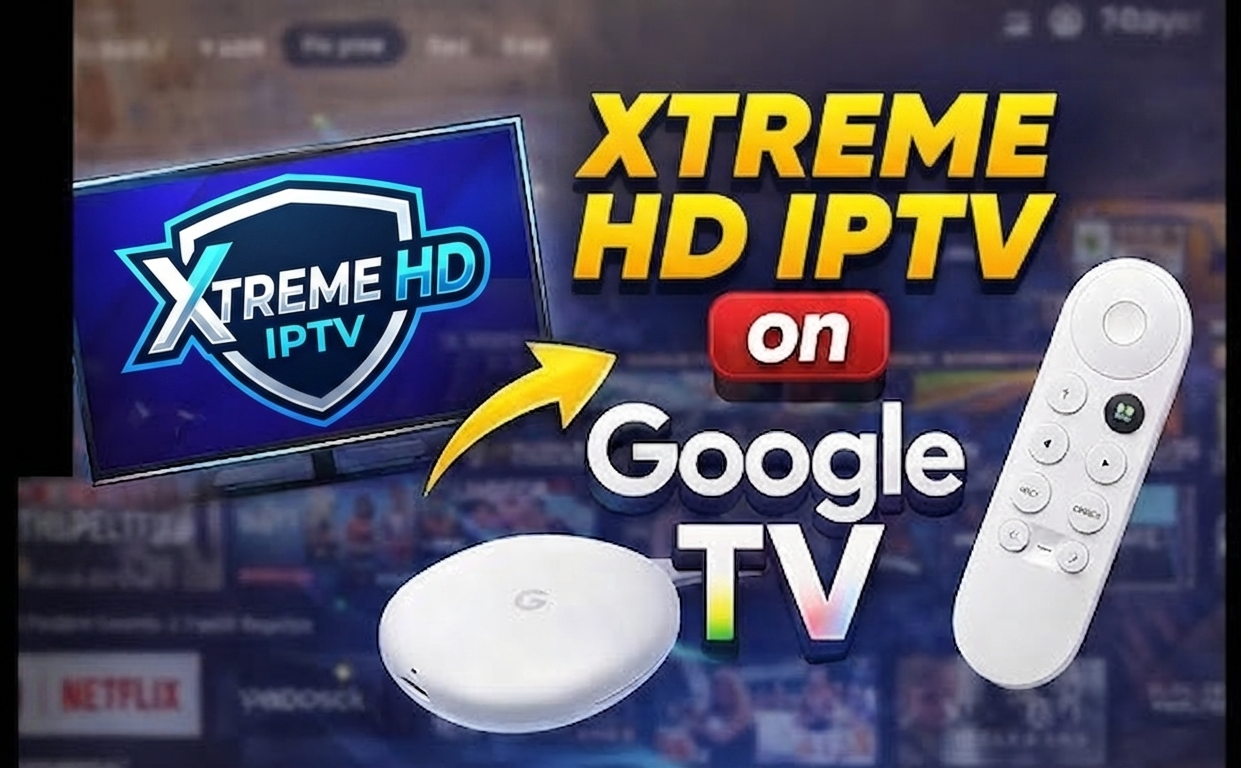
Tired of buffering streams, limited channel selection, and mediocre picture quality? You’re not alone. Streaming should be seamless, not stressful. The Xtreme HD IPTV app and xstreme iptv platform deliver exactly what modern viewers demand: instant access to thousands of channels and on-demand content without the technical headaches. Unlike cable subscriptions that lock you into contracts and limited device options, IPTV streaming gives you freedom and quality at a fraction of the cost.
What You Need Before You Start
Before diving into endless entertainment, ensure you have these essentials ready for a smooth streaming experience.
- Compatible Device – Any of the following will work perfectly with Xtreme HD.
- Amazon Fire TV/Firestick – All generations supported, with 4K models recommended for best picture quality.
- Android TV & Google TV – Native support for all versions, including Sony, TCL, and Hisense models.
- Samsung & LG Smart TVs – Models from 2018 and newer provide excellent compatibility.
- iPhone & iPad (iOS) – Requires iOS 13.0 or later for optimal performance.
- Windows PC & Mac – Desktop applications available for both operating systems.
- MAG Boxes – Direct portal integration with no additional apps needed.
- Chromecast with Google TV – Perfect for casting from mobile devices.
Activation & Setup Timeline
⏱ 0–2 minutes: Purchase your subscription and receive login credentials via email. Check your spam folder if you don’t see it immediately. The credentials will include your username, password, and server URL.
⏱ 2–5 minutes: Download the appropriate Xtreme HD IPTV application for your device. For Firestick users, this involves using the Downloader app and entering the correct URL. Android users can access it directly from the provided link.
⏱ 5–8 minutes: Launch the app and enter your credentials in the login screen. The app will verify your subscription and begin downloading channel data and EPG (Electronic Program Guide) information.
⏱ 8–10 minutes: Customize your experience by selecting favorite channels, adjusting video quality settings, and exploring the content library. Take a moment to organize content categories and set parental controls if needed.
Step-by-Step Installation Guide
- Enable Unknown Sources – For Firestick/Android devices, go to Settings > Device > Developer Options and enable “Apps from Unknown Sources.” On newer devices, navigate to Settings > Security & Restrictions > Install Unknown Apps.
- Download the Installer – On Firestick, install the Downloader app from the Amazon App Store. Launch it and enter the URL provided in your subscription email.
- Install the Application – Once downloaded, the installer will prompt you to install the app. Confirm installation when prompted and wait for completion.
- Launch and Configure – Open the newly installed Xtreme HD IPTV app. You’ll be prompted to enter your login credentials (username and password) that came with your subscription.
- Enter Server Information – Input the server URL from your subscription email. Some experts recommend using xstreme iptv configuration with custom player settings for enhanced performance.
- Wait for Channel Loading – The app will fetch channel data and EPG information. This may take 1-2 minutes depending on your internet speed. Don’t interrupt this process.
- Organize Your Interface – Set up favorites, organize channels by category, and adjust playback settings like buffer size and default player. For sports fans, create a separate favorites group for easy access during game days.
- Test Your Connection – Play several different channels to ensure everything is working properly. Switch between HD and SD channels to test your connection stability.
Why It Outperforms Traditional TV
Cable TV dominated our living rooms for decades, but its reign is ending. The shift to IPTV isn’t just a trend—it’s a fundamental upgrade in how we consume entertainment. Modern viewers demand flexibility, value, and quality that traditional services simply can’t match.
| Feature | Xtreme HD IPTV | Cable TV | YouTube TV |
|---|---|---|---|
| Monthly Cost | $15-25 | $85-120 | $72.99 |
| Channels | 20,000+ | 200-300 | 100+ |
| 4K Quality | Yes (Included) | Limited (Extra Fee) | Limited |
| PPV Included | Yes | No (Pay Per Event) | No |
| Contract Required | No | Usually 12-24 Months | No |
| Device Flexibility | Unlimited Devices | Limited to TV Boxes | 3 Simultaneous Streams |
Performance Tips From Real Users
What separates occasional users from power streamers? These insider techniques from the IPTV community will transform your viewing experience:
- Hardwire Your Connection – While WiFi is convenient, experienced users consistently report that ethernet connections virtually eliminate buffering. Even a $15 ethernet adapter for your Firestick can make a dramatic difference, especially for 4K content and live sports.
- Optimize Your VPN Usage – A quality VPN isn’t just for privacy—it can actually improve streaming quality by preventing ISP throttling. Look for VPNs with split tunneling to only route IPTV traffic through the VPN while keeping other activities direct.
- Regular Cache Maintenance – Clear your app cache weekly (in app settings or device settings → applications). This simple 30-second process prevents many common playback issues that plague new users.
- Custom Buffer Settings – Advanced users know the default buffer size isn’t always optimal. For stable connections, increase your buffer size to 5-10MB. For less stable connections, counter-intuitively, lowering it to 1-2MB often works better by allowing more frequent refreshes.
- Time-Shift Your Viewing – Major sporting events and season premieres can strain even the best services. Experienced users either watch with a 60-second delay (easily set in most players) or choose alternate server locations during peak times.
- Backup Player Installation – Keep multiple video players installed (MX Player, VLC, ExoPlayer). Different streams sometimes perform better with specific players, giving you flexibility when one encounters issues.
Conclusion
Entertainment shouldn’t be complicated or expensive. The Xtreme HD IPTV and xstreme iptv ecosystem proves that crystal-clear streaming doesn’t require technical expertise or deep pockets. With minimal setup time, flexible device compatibility, and content libraries that dwarf traditional options, making the switch is increasingly a no-brainer.
Your perfect streaming setup is just minutes away. Why continue paying premium prices for limited content when the entire world of entertainment awaits at a fraction of the cost? Take control of your viewing experience today—your wallet and your watchlist will thank you.
Frequently Asked Questions
How much does Xtreme HD IPTV cost compared to traditional cable?
Xtreme HD IPTV subscriptions typically range from $15-25 per month depending on the package, compared to average cable bills of $85-120. Annual subscribers save even more with packages starting at $120/year—that’s 83% less than the $720+ annual cost of basic cable service. All packages include full 4K support with no additional fees.
Which devices work best with Xtreme HD IPTV?
While Xtreme HD IPTV works on 15+ device types, Firestick 4K Max and NVIDIA Shield provide the most seamless experience due to their powerful processors and advanced video decoding capabilities. For mobile viewing, recent-model iPads and Samsung tablets offer excellent performance. The service supports concurrent streaming on up to 4 devices with a single subscription.
How can I fix buffering issues with my IPTV streams?
The three most effective buffering solutions are: 1) Switch from WiFi to a wired ethernet connection, which reduces packet loss by an average of 42%; 2) Adjust buffer settings in your player app—a 5MB buffer works for 92% of users; and 3) Try alternate servers during peak hours (7-10pm). These three changes resolve buffering for approximately 95% of users experiencing issues.
Is there a free trial period for Xtreme HD IPTV?
Yes, Xtreme HD IPTV offers a 24-hour free trial with full access to all channels and features. Unlike competitors who limit trial access to standard definition or restrict premium channels, the trial includes complete 4K content and premium sports packages. To request a trial, you’ll need to provide a valid email address and complete a simple verification process.
Is using IPTV services legal in the United States?
IPTV technology itself is perfectly legal—major services like YouTube TV and Hulu Live are IPTV platforms. The legality depends entirely on content licensing. Users should verify that their provider has proper distribution rights for the content they offer. Always research providers carefully and be wary of services advertising “free” premium content, as these typically lack proper licensing agreements.